
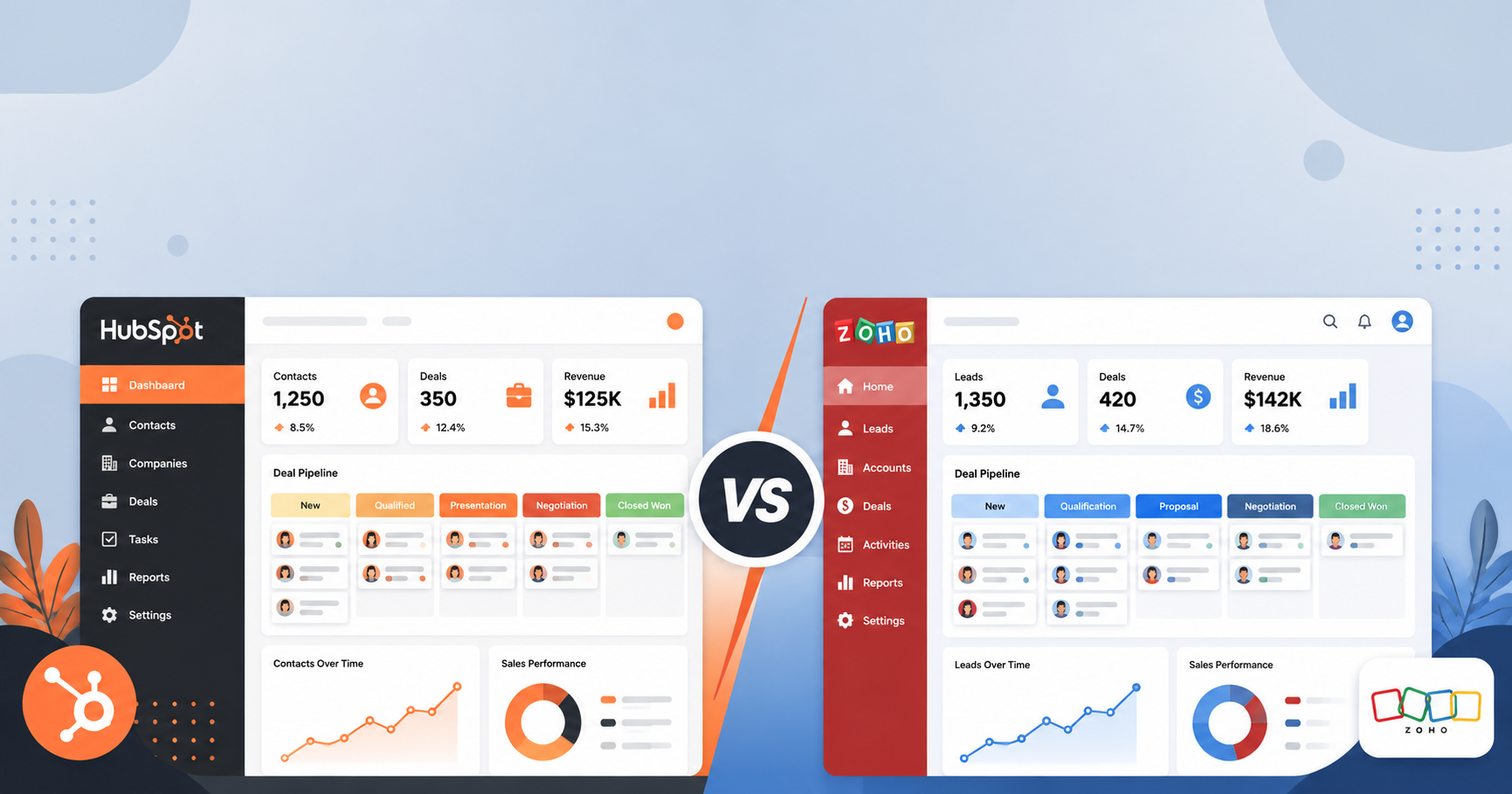
Picking a CRM feels a lot like picking a gym membership — every option promises to transform how you work, but only one will actually fit how you operate day to day. If you’ve narrowed your search to HubSpot vs Zoho CRM, you’ve already done the hard part: both are legitimate, well-built platforms used by thousands of small businesses. The real question is which one fits your team, your budget, and your growth plans over the next two to three years.
This comparison breaks down pricing, features, ease of use, and real-world trade-offs so you can make the call with confidence — not just a features checklist.
Quick Answer: Which Should You Choose?
If you want the short version: Zoho CRM is generally the better pick for small businesses on a tight budget who want a full suite of sales tools without paying enterprise prices. HubSpot CRM is the better pick if you plan to scale marketing and sales together, and you’re willing to pay more as your contact list and feature needs grow.
Now let’s look at why.
HubSpot vs Zoho CRM: At a Glance
| CRM | Best For | Starting Price | Key Feature |
|---|---|---|---|
| HubSpot CRM | Teams that want marketing + sales in one platform | Free (paid plans from ~$20/mo per seat, billed as Starter suites) | Deep marketing automation and a genuinely usable free tier |
| Zoho CRM | Budget-conscious teams needing full sales-pipeline features | Free for up to 3 users (paid plans from ~$14/user/mo) | Highly customizable pipelines at a low price point |
(Pricing changes frequently — always confirm current tiers directly with each vendor before purchasing.)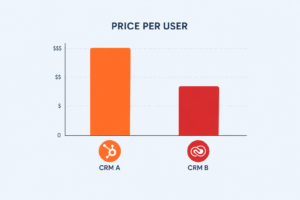
HubSpot CRM: Strengths and Trade-Offs
HubSpot built its reputation on inbound marketing, and that DNA still shows. The CRM itself is free and covers contact management, deal pipelines, email tracking, and basic reporting without a credit card required — which makes it an easy on-ramp for a small team that’s never used a CRM before.
Where HubSpot shines:
- The interface is clean enough that non-technical staff can start using it within a day.
- Marketing, sales, and service tools live in one ecosystem, so a lead captured from a landing page can flow straight into a sales pipeline without manual re-entry.
- Its reporting dashboards are genuinely useful out of the box, not just in the expensive tiers.
Where it gets expensive fast:
- The free plan caps out quickly once you need marketing automation, custom reporting, or more than a handful of email sequences.
- Paid tiers (Starter, Professional, Enterprise) can jump sharply in price, especially once you add Marketing Hub or Sales Hub add-ons.
- Contact-based pricing means your bill grows as your list grows, even if your team size doesn’t.
Zoho CRM: Strengths and Trade-Offs
Zoho takes a different approach: instead of one polished flagship product, it offers a wide, customizable toolkit at a noticeably lower price. For small businesses that already know roughly what they need a CRM to do, Zoho tends to deliver more configurability per dollar.
Where Zoho shines:
- Pricing is straightforward and significantly cheaper than HubSpot’s paid tiers, especially for teams of 5–20 people.
- Workflow automation, custom modules, and pipeline customization are available even on mid-tier plans, not locked behind enterprise pricing.
- It integrates natively with the rest of the Zoho ecosystem (Zoho Books, Zoho Desk, Zoho Campaigns), which matters if you’re already using those tools.
Where it gets tricky:
- The interface feels more utilitarian and less refined than HubSpot’s — there’s a steeper learning curve for teams new to CRMs.
- Some integrations and automations require more manual setup or Zoho-specific know-how.
- Customer support response times are often reported as slower compared to HubSpot’s paid support tiers.
Ease of Use: A Real Difference
This is where the two platforms diverge most in day-to-day experience. HubSpot invests heavily in onboarding flows, in-app guidance, and a genuinely intuitive UI — new hires tend to get comfortable within their first week. Zoho’s interface is powerful but denser; it rewards teams willing to spend a bit more time in setup and customization, and it can feel overwhelming to someone who’s never touched a CRM before.
If your team is small and non-technical, this gap matters more than any feature list.
Pricing Breakdown for Small Teams
For a team of 5 users:
- HubSpot on a paid Starter tier typically lands in the low-to-mid hundreds per month once you add the seats and any marketing features you actually need.
- Zoho CRM on a comparable tier usually costs noticeably less per month for the same headcount, particularly if you stay on its Standard or Professional plan rather than Enterprise.
The gap narrows if you only ever use HubSpot’s free CRM tools — but most growing teams outgrow the free tier within the first year.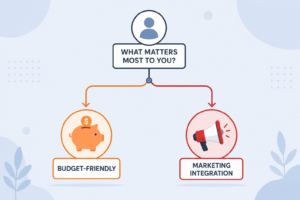
Which One Fits Your Business?
- Choose HubSpot if: you’re running marketing campaigns alongside sales, you want a low learning curve, and you’re comfortable paying more as you scale.
- Choose Zoho CRM if: budget is a primary constraint, you want deep customization without enterprise pricing, and your team doesn’t mind a slightly steeper setup process.
- Consider a hybrid approach: some small businesses start on HubSpot’s free CRM for lead capture and pipeline basics, then evaluate Zoho or a paid HubSpot tier once volume justifies the spend.
FAQ
Is HubSpot or Zoho CRM better for a small business on a tight budget? Zoho CRM is typically the more budget-friendly option for paid plans, offering more sales-pipeline features per dollar than HubSpot’s paid tiers.
Does HubSpot CRM have a free plan? Yes — HubSpot’s core CRM (contacts, deals, basic email tools) is free indefinitely, though advanced marketing and automation features require a paid Hub.
Is Zoho CRM good for beginners? It’s usable for beginners, but the interface has a steeper learning curve than HubSpot’s, so expect a longer onboarding period for non-technical staff.
Can I switch from Zoho to HubSpot (or vice versa) later? Yes, both platforms support data export/import and offer migration guides, though moving custom workflows and automations typically requires manual rebuilding.
Which CRM integrates better with marketing tools? HubSpot has the edge here, since its Marketing Hub is built to work natively with the CRM. Zoho requires pairing with Zoho Campaigns or a third-party tool for equivalent functionality.
Conclusion
There’s no universal winner in the HubSpot vs Zoho CRM debate — the right choice depends on what you’re optimizing for. If ease of use and marketing integration matter most, HubSpot’s polish and free entry point make it the safer starting choice. If you’re watching every dollar and want more configurability without paying for an enterprise tier, Zoho CRM delivers more sales-pipeline power per dollar spent. Whichever you pick, start with a free trial or free tier and actually run your real sales process through it before committing — no comparison article can replace a two-week test drive with your own data.
Read More :





One Comment