
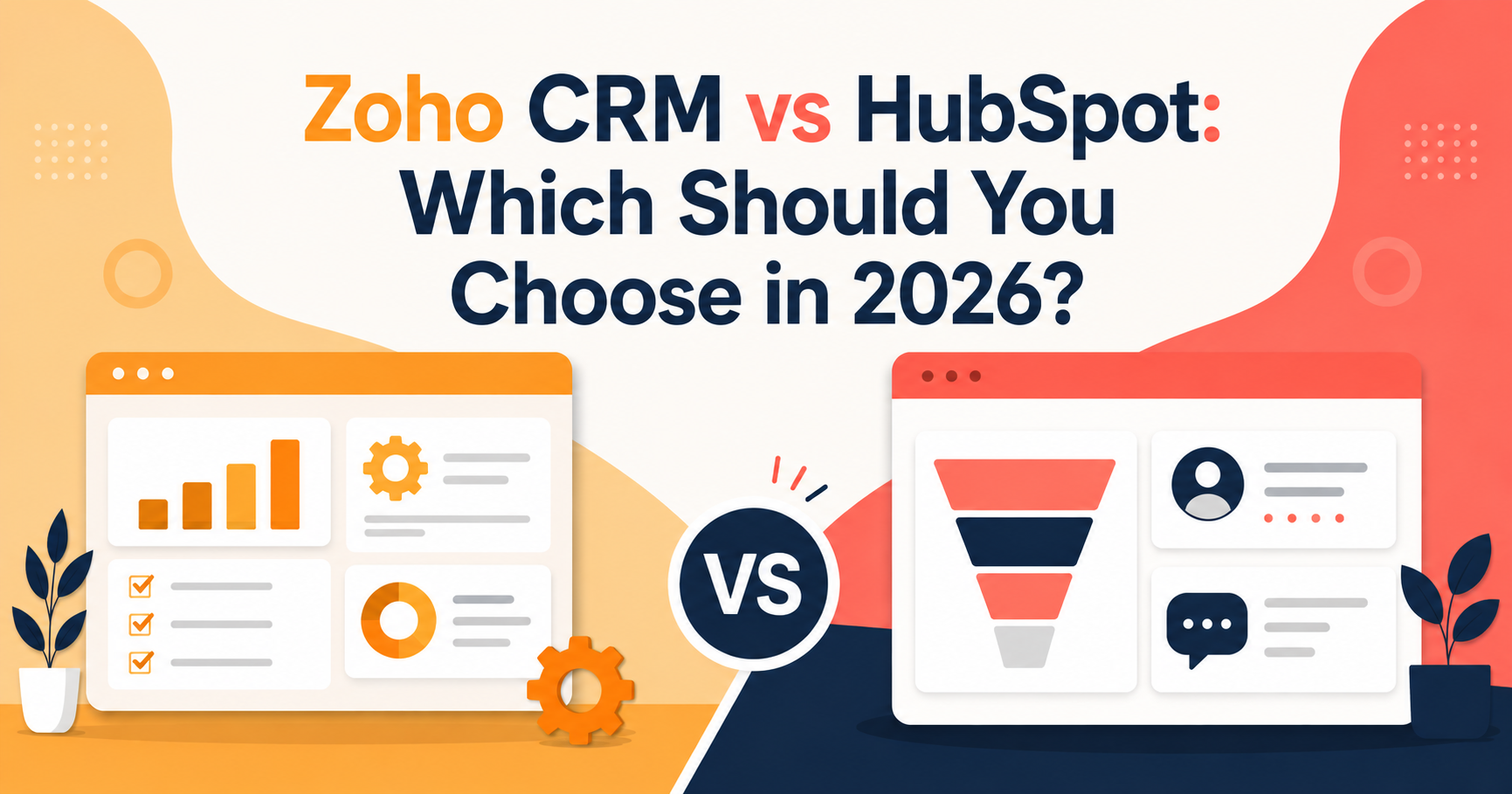
If you’ve spent any time on a CRM comparison forum, you already know the pattern: someone asks “Zoho or HubSpot?” and gets fifteen conflicting answers, half of them written by affiliates who haven’t touched either tool in a year. So let’s cut through it. Both platforms are genuinely good in 2026 — the real question isn’t which one is “better,” it’s which one fits how your team actually sells.
Zoho CRM and HubSpot solve the same core problem — tracking leads, deals, and customer relationships — but they get there from opposite directions. Zoho is a value-first, endlessly configurable platform built for teams who want a lot of CRM for not much money. HubSpot is a polish-first, ecosystem-driven platform built for teams who want marketing, sales, and service to feel like one connected system, and who are willing to pay for that cohesion as they grow.
This guide breaks down pricing, features, ease of use, and who each platform is actually built for — based on what each vendor currently ships in 2026, not last year’s feature list.
Zoho CRM vs HubSpot: Quick Comparison Table
| Tool | Best For | Starting Price (paid) | Key Feature |
|---|---|---|---|
| Zoho CRM | Budget-conscious teams that want deep customization | $14/user/month (Standard, annual) | Blueprint process automation + huge app ecosystem at low cost |
| HubSpot | Teams that want marketing + sales unified in one polished platform | $15–20/user/month (Sales Hub Starter, annual) | Best-in-class UI, inbound marketing tools, and free CRM core |
Pricing: Where the Real Gap Is
Pricing is where Zoho CRM vs HubSpot debates usually get decided, and it’s not close on paper.
Zoho CRM in 2026 runs a free plan (up to 3 users) and four paid tiers: Standard at $14/user/month, Professional at $23/user/month, Enterprise at $40/user/month, and Ultimate at $52/user/month, all billed annually. Zoho has also pushed AI agents, workflow automation, and sales forecasting down into the Standard tier — features that used to require Professional. That shift matters if you evaluated Zoho a year ago and dismissed the entry plan as too thin.
HubSpot’s free CRM is genuinely usable and includes contact management, one pipeline, email tracking, and a meeting scheduler at $0. But the plan most businesses actually end up comparing is Sales Hub: Starter runs about $15–20/seat/month, Professional jumps to roughly $90–100/seat/month plus a mandatory one-time onboarding fee (commonly $1,500), and Enterprise runs about $150/seat/month with an onboarding fee that can run into the thousands. If you want HubSpot’s marketing automation too, Marketing Hub Professional is a separate line item starting around $890/month on its own.
The practical takeaway: Zoho is cheaper at every comparable tier, often by 3–5x once you factor in HubSpot’s onboarding fees and seat-type rules (Sales Hub splits users into “core seats” and “sales seats,” which can inflate your real per-user cost). HubSpot’s pricing buys you a noticeably smoother experience and a unified marketing-sales-service data layer — but you’re paying a real premium for it, not an imagined one.
Features: Depth vs. Polish
Zoho CRM’s strength is breadth and configurability. Blueprint lets you enforce multi-step sales processes with validation rules at each stage — useful for teams with a strict, repeatable sales motion. Zoho’s AI layer (Zia) now handles lead scoring, next-best-action suggestions, and forecasting inside the Standard plan. And because Zoho CRM plugs into the 45+ app Zoho ecosystem (Zoho Books, Zoho Desk, Zoho Campaigns), you can build out a full back office without leaving the vendor.
HubSpot’s strength is that everything feels designed by the same team, because it was. Marketing forms, email sequences, live chat, deal pipelines, and support tickets all share one contact record with no import/export friction. Sales Hub Professional adds sequences, playbooks, and forecasting; the reporting dashboards are, by most accounts, more intuitive out of the box than Zoho’s. If your sales and marketing teams currently fight over lead handoff, HubSpot’s single-record model solves that structurally rather than through a workaround.
Ease of Use and Setup
This is the category where the two products diverge most sharply in real-world use. HubSpot is built to be usable on day one with minimal training — the interface is clean, guided, and consistent across Hubs. Zoho CRM has more raw capability but a steeper learning curve; teams that invest in setting up Blueprint, custom modules, and automation rules get a highly tailored system, but that setup usually takes longer and often benefits from a certified implementation partner.
If your team needs to be productive in a CRM within the first week with almost no onboarding, HubSpot has the edge. If you have the time (or a partner) to configure the system properly, Zoho rewards that investment with more flexibility per dollar.
Who Should Choose Zoho CRM
- Startups and SMBs on a tight software budget
- Teams that want AI, automation, and forecasting without paying Enterprise-tier prices
- Businesses already using other Zoho apps (Books, Desk, Campaigns) who want one connected suite
- Sales teams with a strict, repeatable process that benefits from Blueprint-style enforcement
Who Should Choose HubSpot
- Marketing-led organizations that need inbound tools (landing pages, email automation, SEO) tightly linked to the CRM
- Teams that prioritize ease of use and fast onboarding over lowest possible cost
- Companies planning to scale into a full marketing + sales + service platform under one vendor
- Businesses that can absorb onboarding fees and higher per-seat costs in exchange for a more polished, unified experience
Frequently Asked Questions
Is Zoho CRM cheaper than HubSpot? Yes, at nearly every comparable tier. Zoho’s paid plans start at $14/user/month versus HubSpot Sales Hub’s $15–20/user/month starting price, and the gap widens significantly at the professional and enterprise tiers once HubSpot’s onboarding fees are included.
Which is better for small business, Zoho CRM or HubSpot? For small businesses watching every dollar, Zoho CRM generally offers more functionality per dollar. For small businesses that want a marketing engine bundled with the CRM and minimal setup time, HubSpot’s free tier and Starter plan are hard to beat.
Can I switch from HubSpot to Zoho CRM (or vice versa)? Yes, both platforms support data migration via CSV import and third-party migration tools, though contact and deal history mapping typically needs manual review to avoid data loss.
Does Zoho CRM have marketing automation like HubSpot? Zoho CRM has built-in automation and light marketing tools, but full-scale marketing automation lives in a separate product, Zoho Marketing Automation or Zoho Campaigns — similar to how HubSpot splits Sales Hub from Marketing Hub.
Is HubSpot’s free CRM actually usable long-term? For very small teams with simple pipelines, yes — it includes contact management, one pipeline, and email tracking indefinitely at no cost. Most growing teams outgrow it once they need multiple pipelines, sequences, or more than a handful of users.
Conclusion: Which Should You Choose?
If cost efficiency and configurability matter most to you, Zoho CRM is the stronger pick in 2026 — you get automation, AI, and forecasting at a fraction of what comparable HubSpot tiers cost. If your priority is a polished, unified experience across marketing, sales, and service — and you have the budget to match — HubSpot remains the more cohesive platform, especially for marketing-driven teams. There’s no universally “right” answer here; there’s only the right answer for your budget, your sales process, and how much setup time you’re willing to invest.
Read More :



One Comment