
Two sales reps, same quarter, two different CRMs — one spends five minutes a day updating deal stages, the other spends twenty building automations around a tool that was never built for pure sales. That’s the real difference between Pipedrive and monday.com CRM, and it’s not something a feature checklist tells you.
Both platforms show up constantly in the same searches because they solve overlapping problems in genuinely different ways. Pipedrive was built by salespeople as a sales pipeline tool, full stop. monday CRM was built on top of monday.com’s visual “Work OS,” which means it inherited flexibility that reaches well past sales into project delivery and cross-team collaboration. This Pipedrive vs monday.com CRM comparison breaks down where each one wins, what they cost, and which type of team should pick which.
What Pipedrive Does Well
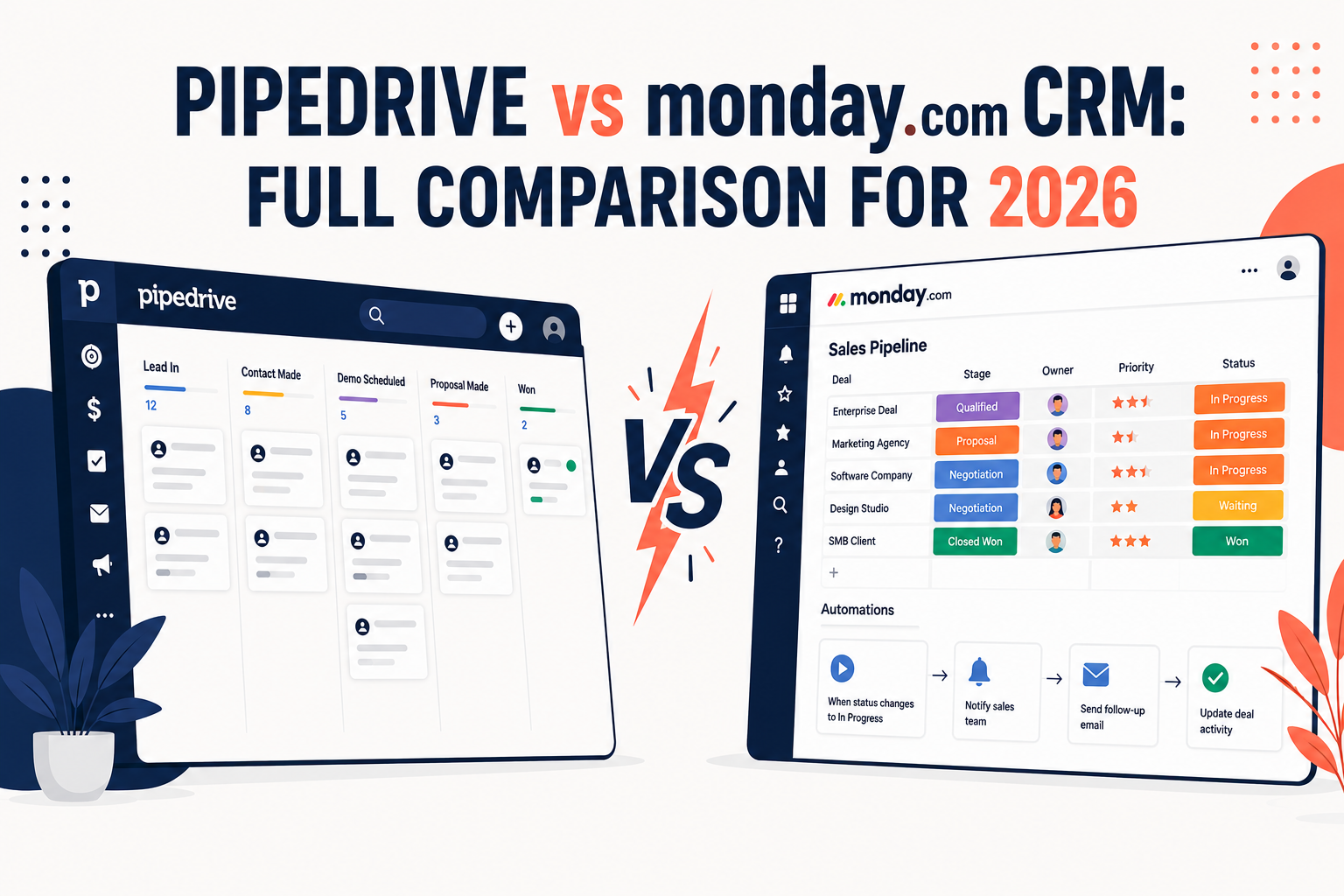
Pipedrive’s whole design philosophy is “get a rep selling in minutes, not weeks.” The pipeline view is the product — drag a deal from stage to stage, log an activity, get a nudge if a deal’s gone quiet. It’s opinionated in a good way: there’s less to configure because the workflow assumptions are already sales-shaped.
Where it holds up:
- Activity-based selling — Pipedrive nudges reps toward the next concrete action (call, email, meeting) rather than just tracking deal status
- Fast onboarding — reps who’ve never touched a CRM before are usually productive within a day
- AI deal insights — recent updates have added AI-driven suggestions on which deals are likely to close and which need attention
- Native mobile app — built for reps working from the field, not just a desk
Where it’s weaker: Pipedrive gets expensive fast once you start adding on features like LeadBooster or Projects, and it’s less naturally suited to workflows that extend past the sale — onboarding, delivery, ongoing account management.
What monday.com CRM Does Well
monday CRM inherited the visual board-and-automation engine from monday’s broader work management platform, which means it’s far more customizable out of the box than Pipedrive — and far more useful for teams whose work doesn’t stop when a deal closes.
Where it holds up:
- Customizable pipelines — boards, columns, and automations can be reshaped to match almost any process, not just a linear sales funnel
- Cross-team visibility — sales, onboarding, and customer success can work off the same board, which matters for service businesses
- Lower entry-level pricing — monday CRM typically undercuts Pipedrive at the entry tier
- No-code automation — “if this stage changes, notify this person” style rules are simple to build without IT involvement
Where it’s weaker: that flexibility is a double-edged sword. Teams that just want a working sales pipeline on day one often find monday CRM takes longer to configure properly, and an under-configured board can turn into exactly the “glorified spreadsheet” critics accused it of being early on.
Comparison Table: Pipedrive vs monday.com CRM
| Name | Best For | Starting Price | Key Feature |
|---|---|---|---|
| Pipedrive | Dedicated sales teams wanting fast adoption | ~$14–24/user/mo | Activity-based selling with AI deal insights |
| monday.com CRM | Teams needing sales + post-sale workflow flexibility | ~$12/user/mo (3-seat minimum) | Fully customizable boards and no-code automation |

(Pricing tiers and add-on costs change frequently on both platforms — always check current numbers directly with each vendor before budgeting, and note monday CRM has no free CRM tier and a minimum seat count.)
Pipedrive vs monday.com CRM: Pricing Breakdown
Pipedrive’s entry-level plan is positioned as an affordable way in, but costs climb once you add features many sales teams actually want — lead capture tools, e-signature, or project management add-ons are priced separately rather than bundled.
monday CRM’s pricing looks cheaper at a glance, but it enforces a minimum seat count (typically three), so a genuinely solo user can’t get the lowest possible bill the way they sometimes can on Pipedrive. Annual billing also carries a meaningful discount over monthly on monday’s side — worth factoring in before comparing sticker prices directly.
Pipedrive vs monday.com CRM: Ease of Use
This is where the two products diverge the most in real-world use. Pipedrive’s opinionated structure means less setup time and a shorter path from signup to a rep actually working deals. monday CRM’s blank-canvas approach means more initial configuration — deciding what a “stage” means, building the automations, setting up views — but it pays off for teams whose process doesn’t fit a standard linear pipeline.
Teams that have complained about monday’s reliability tend to point to the platform’s own outages affecting daily workflow, since so much of the day-to-day work — not just CRM records — lives inside the same tool. Pipedrive, as a narrower dedicated product, doesn’t carry that same “one outage breaks everything” risk.
Who Should Choose Pipedrive
- Sales-only teams that want to be productive within days, not weeks
- Field sales reps who rely heavily on mobile
- Teams that prioritize a proven, sales-specific methodology over flexibility
- Organizations that don’t need the CRM to double as a project or delivery tool
Who Should Choose monday.com CRM
- Teams where sales, onboarding, and delivery need to see the same pipeline
- Service-based businesses managing the customer relationship well past the close
- Teams with the internal bandwidth to configure boards and automations properly
- Budget-conscious teams that want a lower entry price and don’t mind the 3-seat minimum
Frequently Asked Questions
Is Pipedrive or monday.com CRM cheaper? At the entry tier, monday CRM is usually slightly cheaper per seat, but it requires a minimum of three seats, so a one- or two-person team may end up paying more overall than they would on Pipedrive. Pipedrive’s add-ons (LeadBooster, Projects) can also push its effective cost above monday’s once a team needs those extras.
Which CRM is easier to set up, Pipedrive or monday.com? Pipedrive is generally faster to get running since its pipeline structure comes pre-built around standard sales stages. monday CRM takes more upfront configuration but offers more flexibility once it’s set up correctly.
Can monday.com CRM replace Pipedrive for a sales team? It can, but teams used to Pipedrive’s activity-based selling structure sometimes find monday’s flexibility means they have to build that discipline themselves through custom automations rather than getting it out of the box.
Does Pipedrive or monday.com CRM have better AI features? Both have invested heavily in AI over the past year — Pipedrive focuses AI on deal scoring and next-best-action suggestions, while monday’s AI features extend across its broader Work OS, including automation suggestions beyond just the CRM.
Which is better for a service business, not just sales? monday.com CRM tends to fit service businesses better, since the same board can carry a deal from prospecting through onboarding and delivery, keeping sales and delivery teams aligned without exporting data to a separate tool.
The Bottom Line
If your team’s job ends when the deal closes and you want reps productive by Friday, Pipedrive is the safer, faster pick. If the relationship with the customer keeps going after the sale — onboarding, delivery, renewals — and you have someone willing to spend a few hours configuring boards properly, monday.com CRM’s flexibility will pay off. Neither is objectively “better” — they’re built for different shapes of business, and the wrong pick mostly just shows up later as wasted setup time or a rigid pipeline that doesn’t match how your team actually works.
Read More :