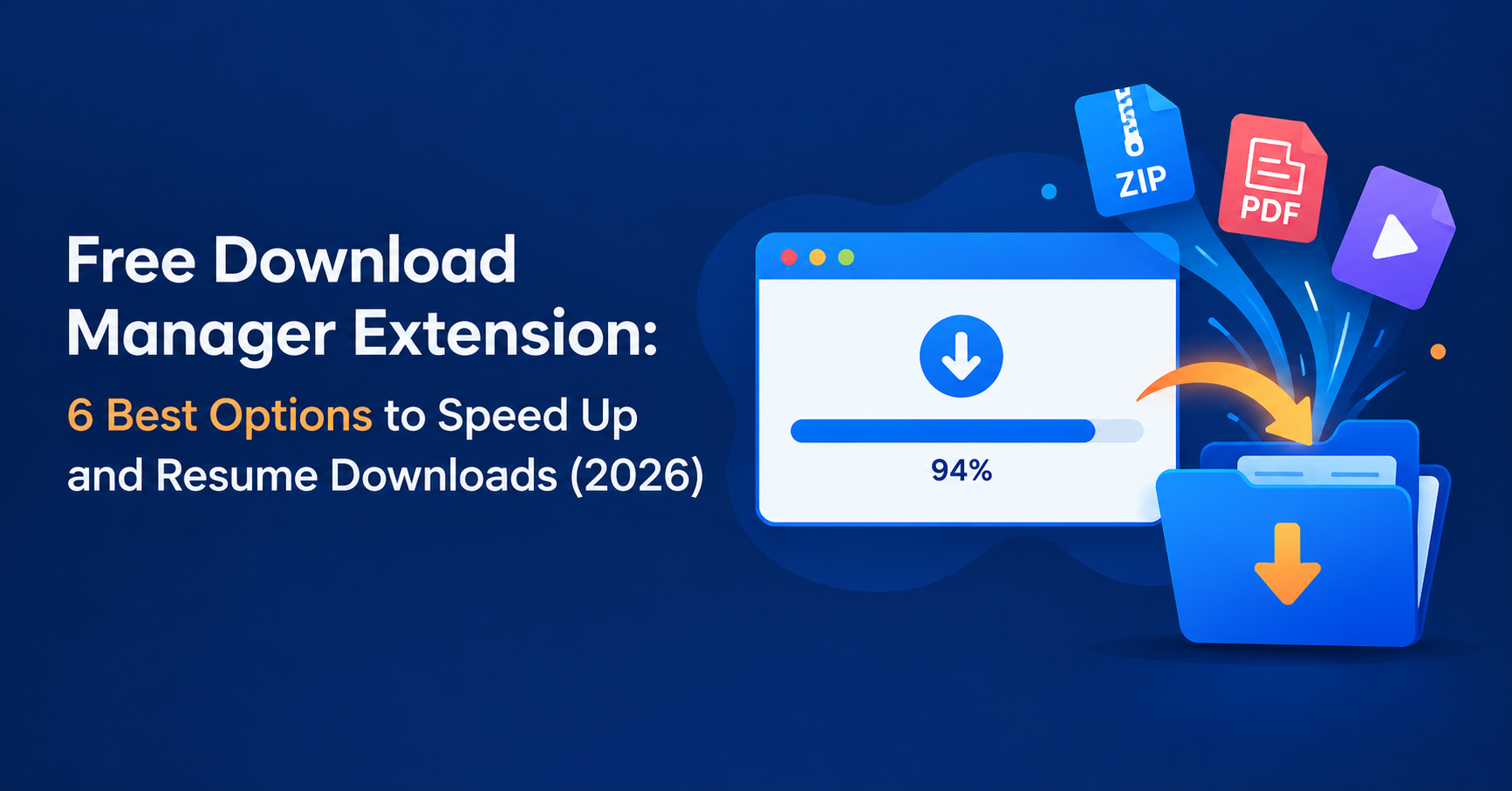
You’re 94% through a 4 GB file when your Wi-Fi hiccups. The browser says “Failed,” and you start over. A free download manager extension prevents that. It sits inside your browser, takes over large downloads, splits them into parallel chunks, and lets you pause and resume without losing progress.
For U.S. freelancers, agencies, and small teams that regularly pull design assets, software installers, datasets, and client files, this is a cheap productivity upgrade. Below are the best free options, how they differ, and how to choose without installing six tools you don’t need.
What Is a Download Manager Extension?
A download manager extension is a small add-on for Chrome, Edge, or Firefox. It intercepts download links and passes them to a smarter engine, either inside the extension or in a companion desktop app. Compared with the built-in browser downloader, it typically adds:
- Multi-threaded downloading, which splits a file into segments fetched at the same time
- Reliable pause and resume, even after a restart or connection drop
- Queues and scheduling, such as overnight downloads
- Batch downloading of every link or file type on a page
- Speed limits, so a big download doesn’t choke your video calls
Do You Actually Need One?
Chrome and Edge can resume some interrupted downloads, so you don’t always need an add-on. A manager earns its place when you:
- Download files over a few hundred MB regularly
- Have an unstable or slow connection
- Need to grab dozens of files from one page
- Want a organized queue instead of a cluttered Downloads folder
If you only download the occasional PDF, skip it.
Best Free Download Manager Extensions Compared
| Name | Best For | Starting Price | Key Feature |
|---|---|---|---|
| Free Download Manager (FDM) | All-round use on Windows, Mac, Linux | Free | Desktop app plus browser extension, torrent support |
| DownThemAll | Batch downloading from web pages | Free (open source) | Filters to mass-download by file type |
| Chrono Download Manager | Chrome users who want everything in-browser | Free | Built-in sniffer and multi-connection downloads |
| Xtreme Download Manager (XDM) | Power users wanting an open-source IDM alternative | Free (open source) | Speed acceleration, browser monitor extension |
| Video DownloadHelper | Saving embedded media you have rights to | Free (optional paid features) | Detects video and audio streams on pages |
| Internet Download Manager (IDM) | Heavy users who accept paying | Paid after trial | Mature acceleration and deep browser integration |
Features and pricing change, so confirm on each official page before relying on them.
1. Free Download Manager (FDM): Best Overall
FDM is the safest starting point if you want a free download manager for Windows or Mac that also works on Linux. You install the desktop app, then add its browser extension so downloads route automatically. It supports segmented downloads, pause and resume, scheduling, bandwidth limits, and BitTorrent in one interface.
Pros: Free, cross-platform, all-in-one, clean queue.
Cons: Needs a desktop install, so it isn’t purely an extension. Only download it from the official site. Free Download Manager
2. DownThemAll: Best for Batch Downloads
Need all 80 images or PDFs on a page? DownThemAll lists every link and media file, lets you filter by type or name pattern, and downloads them in one go. It’s lightweight, open source, and well suited to agencies collecting reference assets.
Pros: Powerful filtering, privacy-friendly, no bloat.
Cons: Less focused on accelerating single huge files.
3. Chrono Download Manager: Best In-Browser Option for Chrome
Chrono is a Chrome extension that takes over downloads without needing a separate app. It offers multiple connections per file, a download sniffer for finding media on pages, and a tidy dashboard inside the browser.
Pros: Easy setup, no external software.
Cons: Chrome-based browsers only, and in-browser limits apply.
4. Xtreme Download Manager: Best Open-Source IDM Alternative
XDM is a free, open-source manager built to accelerate downloads, with a companion browser extension that captures links. If you like the IDM experience but not the price, this is the closest free match.
Pros: Free, open source, feature-rich.
Cons: The interface is less polished, and you’ll need a short setup.
5. Video DownloadHelper: Best for Media Detection
This extension detects video and audio streams on a page and lets you save them. Use it only on content you own or have permission to download, since many sites’ terms forbid downloading their streams.
6. Internet Download Manager (IDM): Best Paid Upgrade
IDM isn’t free, but it has a trial and a reputation for dependable acceleration. Consider it only if the free tools above don’t meet your needs.
How to Choose the Right Free Download Manager Extension
- You want one tool for everything: FDM
- You scrape lots of files from pages: DownThemAll
- You live in Chrome and want zero extra software: Chrono
- You want free and open source with IDM-style features: XDM
Safety Tips Before You Install
- Install only from the official site or the Chrome Web Store / Firefox Add-ons listing.
- Check the permissions requested. A download manager shouldn’t need access to unrelated data.
- Read recent reviews and the update history.
- Avoid “cracked” or repackaged versions, which are a common malware route.
- Keep the extension and companion app updated.
How to Set Up a Download Manager Extension
- Install the desktop app, if the tool has one (FDM, XDM).
- Add the browser extension from the official store.
- Enable integration so it captures downloads automatically.
- Set a default folder and a speed limit if you share bandwidth.
- Test with a large file and try pausing and resuming.

FAQ
What is the best free download manager extension for Chrome?
For a pure in-browser option, Chrono Download Manager is a strong pick. For the most complete feature set, pair Chrome with Free Download Manager’s extension.
Is a free download manager safe to use?
Yes, if you install from official sources, review permissions, and avoid cracked builds.
Does a download manager really make downloads faster?
It can, when the server allows multiple connections, because segments download in parallel. It can’t exceed your internet plan’s speed, and some servers limit connections.
Can a download manager resume a failed download?
Usually, if the server supports resuming. That’s the main reason many people use one.
What’s the best free download manager for Windows and Mac?
Free Download Manager is the most widely used option across Windows, macOS, and Linux.
Conclusion: Our Recommendation
For most people in the USA, start with Free Download Manager. It’s free, cross-platform, and covers acceleration, resuming, scheduling, and queues in one place. Add DownThemAll if you often need to grab many files from a page. Choose Chrono if you want a Chrome-only setup with no extra software. Test one for a week on your real downloads before adding a second.
Read More :
Free AI Video Generator From Image: 7 Tools That Actually Work in 2026
Free AI Video Generator From Text: What Actually Works in 2026